Day, Week & Month Views
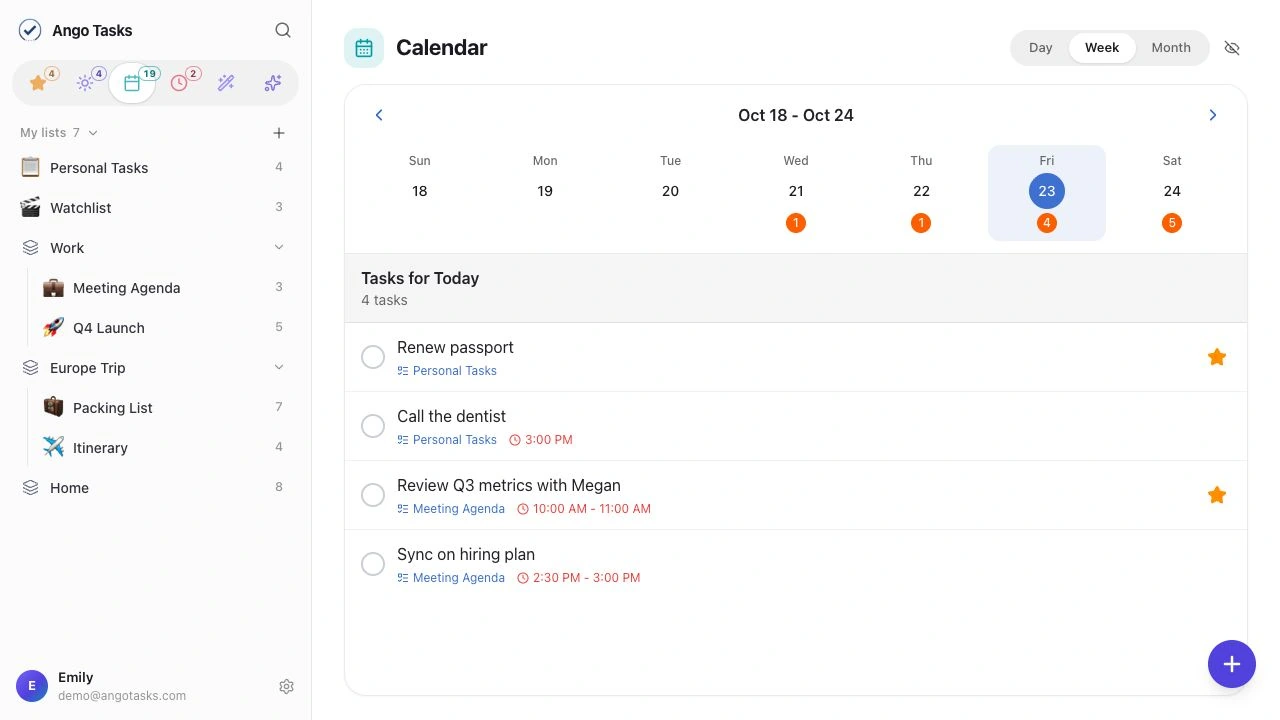
Day, week, and month calendar views help you see how your tasks fit into your time.
Your lists, your calendar, and a little AI assistance. Ready when you sit down, right in your browser.
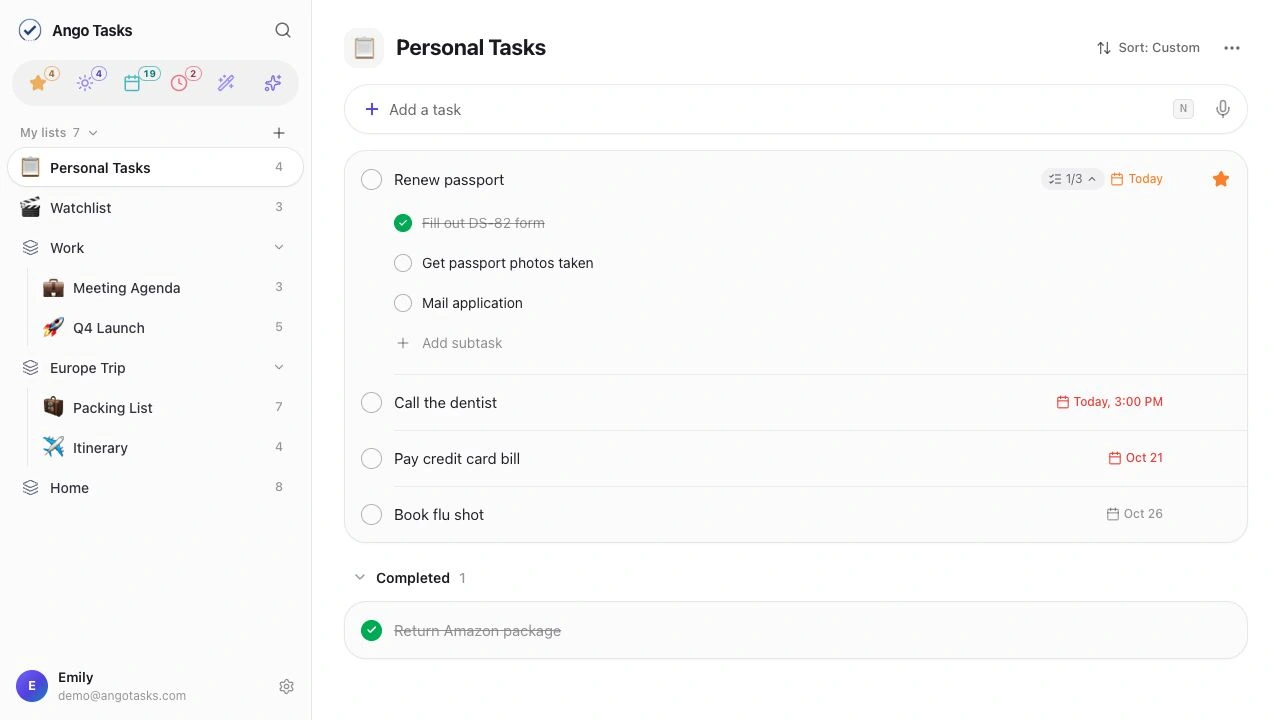
A clean sidebar puts your lists within reach. Open the details, work through subtasks, and find what you need with search.
Use Ctrl instead of ⌘ on Windows and Linux.
Day, week, and month calendar views help you see how your tasks fit into your time.
Ask AI about your tasks, or turn text, photos, and audio into a checklist with Smart Extract.
Shared lists and cloud sync keep your work together across your signed-in devices.
A calendar that makes space for the work, and everything around it.
No. Open app.angotasks.com in your browser and sign in to your Ango Tasks account.
Yes. Sign in with the same Ango Tasks account to sync your lists and tasks between iOS and the web.
Core lists, tasks, sharing, calendars, and AI features are available on iOS and web. Native features such as location reminders, Focus mode, home screen widgets, Siri, and Apple Reminders import are available in the iOS app.

Download for iPhone and iPhone Duo, or use the web app.
Free includes 6 lists and 20 AI requests per day.