



















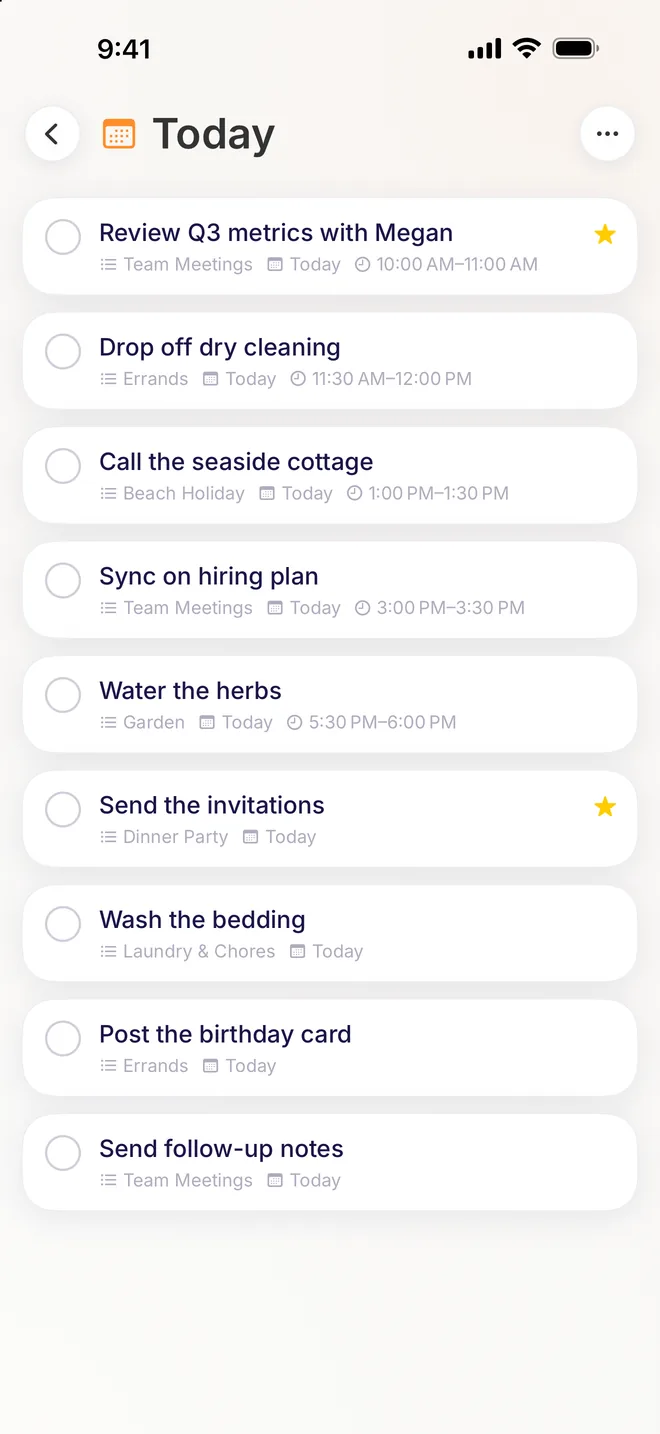
Today, gathered for you.
Today, Overdue and Priority pull tasks from every list into one place. Add #tags and search to find the rest.
Snap a photo, say it out loud, paste your notes, or just ask. Ango Tasks turns it into lists you’ll actually want to open.
Free to start. For iPhone, iPhone Duo, and web.



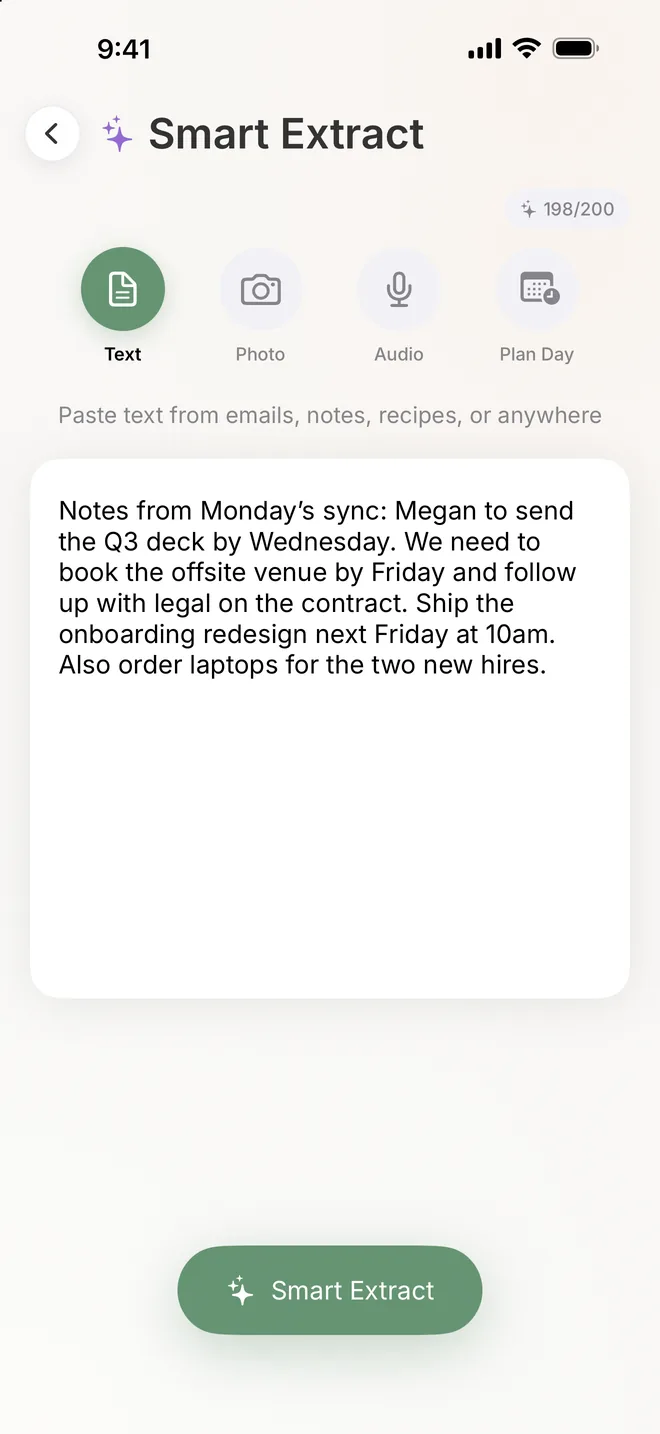
Smart Extract & Ask AI
Meeting notes, a whiteboard, a thought on the way out the door. Ango Tasks pulls out the to-dos, and you review them before anything is saved.
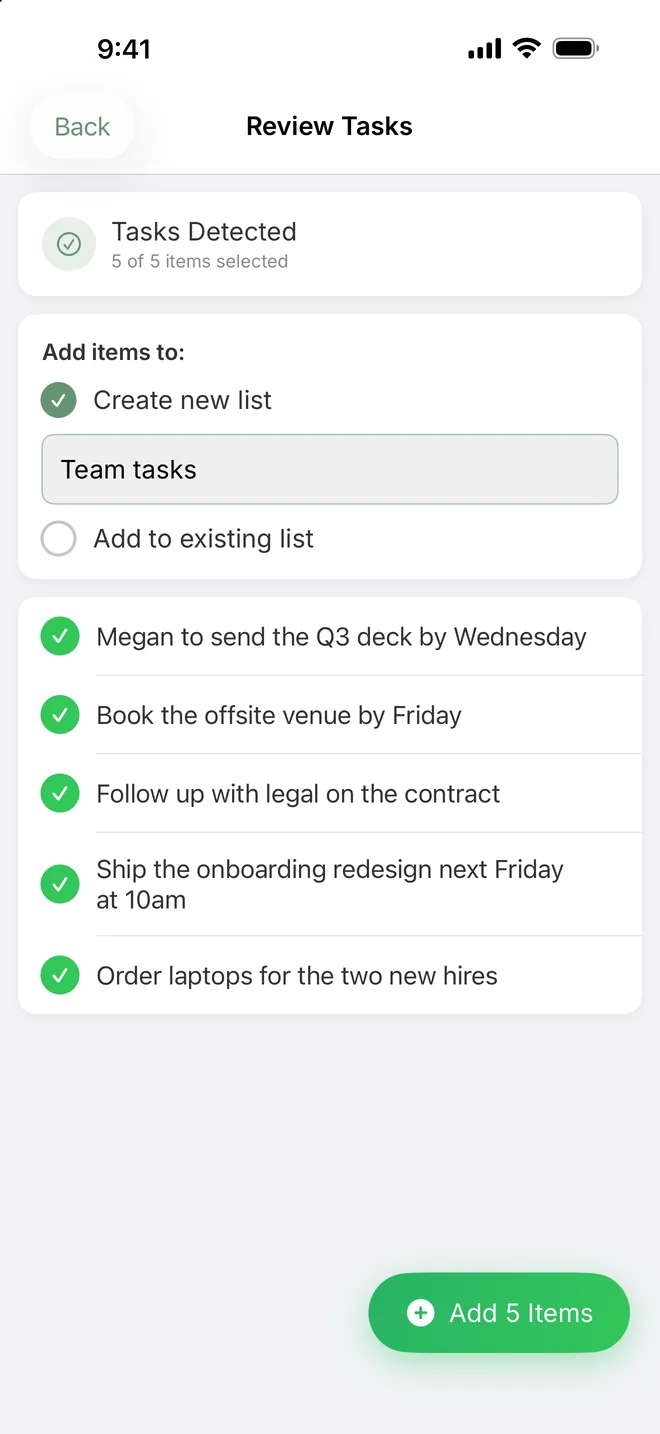
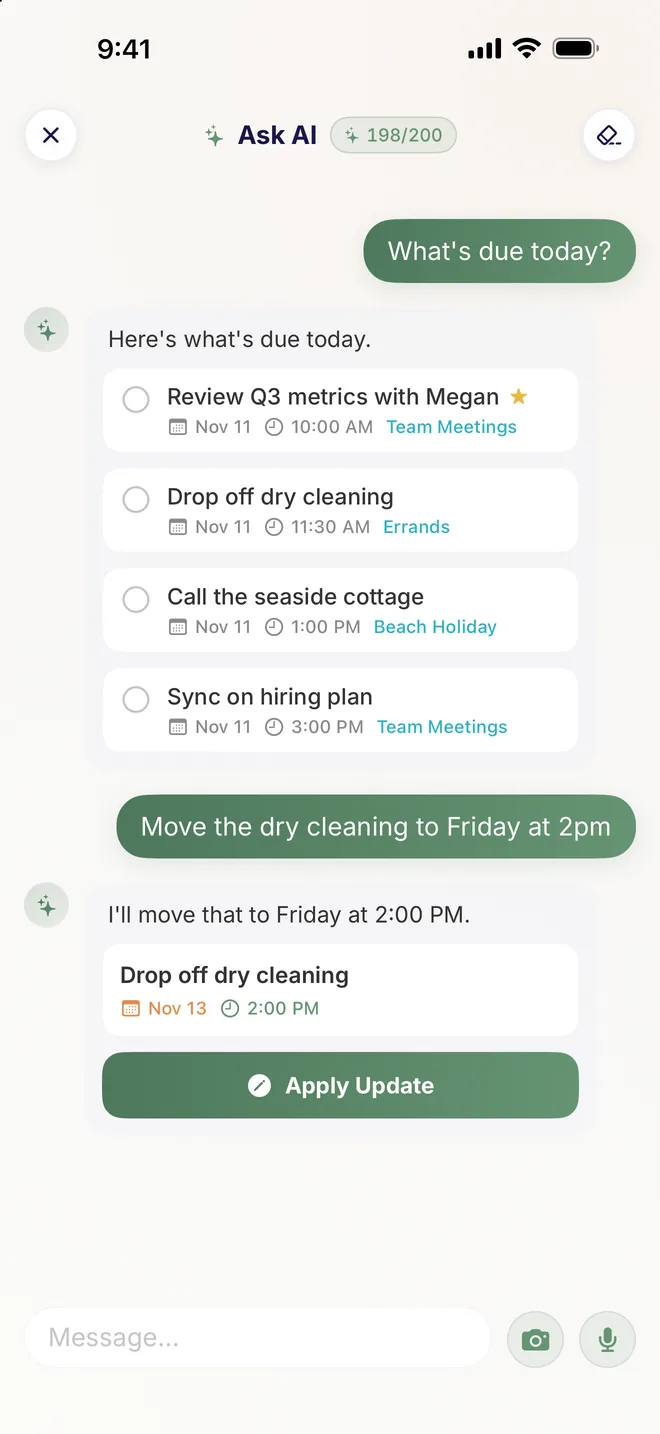
Plan Day. Describe your day and get a schedule with time blocks, built around what’s already due.
Included on Free. 20 AI requests a day, or 200 with Premium.
Notes, photo and voice shown here are illustrations. The phone shows real app screens with demo content.
Natural language
Dates, times, repeats and priority are picked out as you type. No pickers, no menus, no fuss.
A taste of how task entry works in the app. Go on, try your own.
Card View
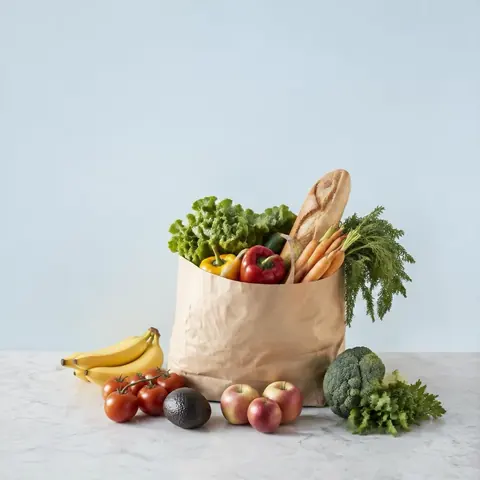
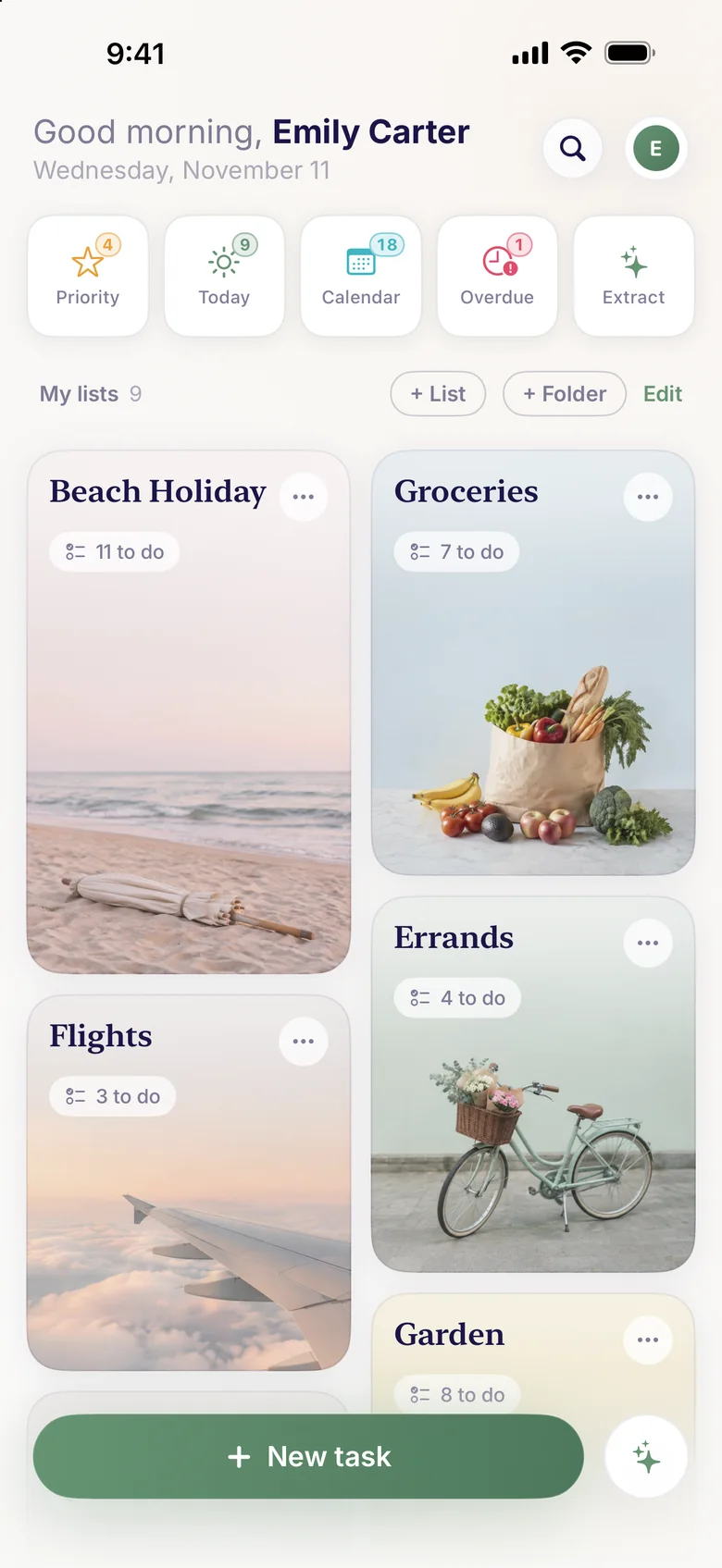
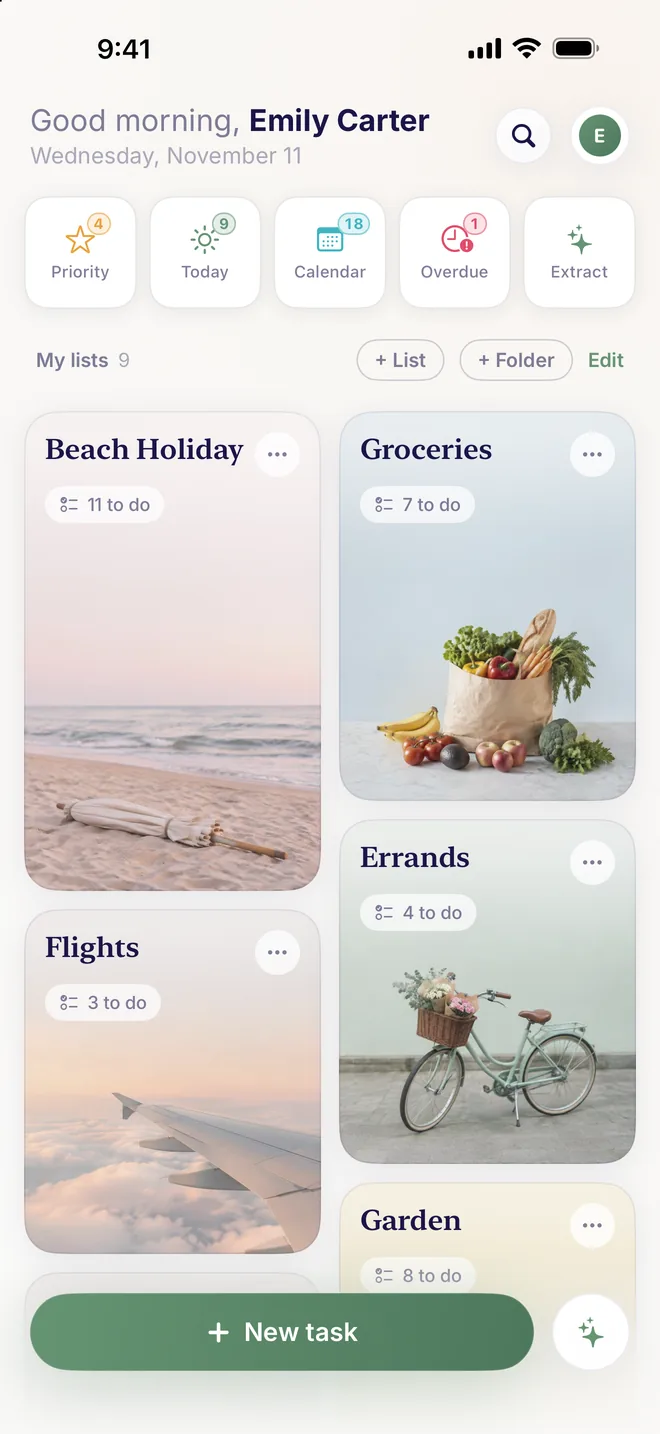
Every list gets its own cover, picked to match its name. Call it “Groceries” and it looks like groceries.
Built-in covers come with the app and work offline. Premium adds custom covers that you describe yourself.

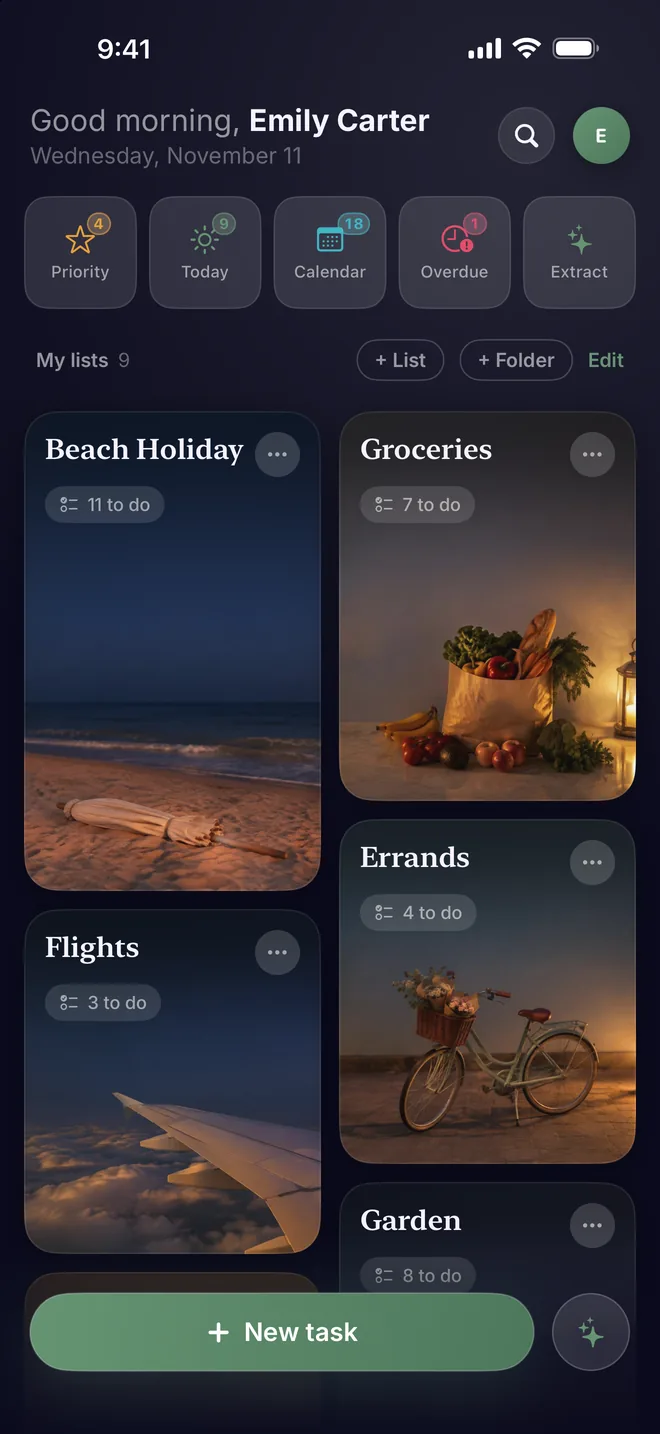
Day & night
Every cover has its own evening look. When your phone goes dark, your lists light their lamps.
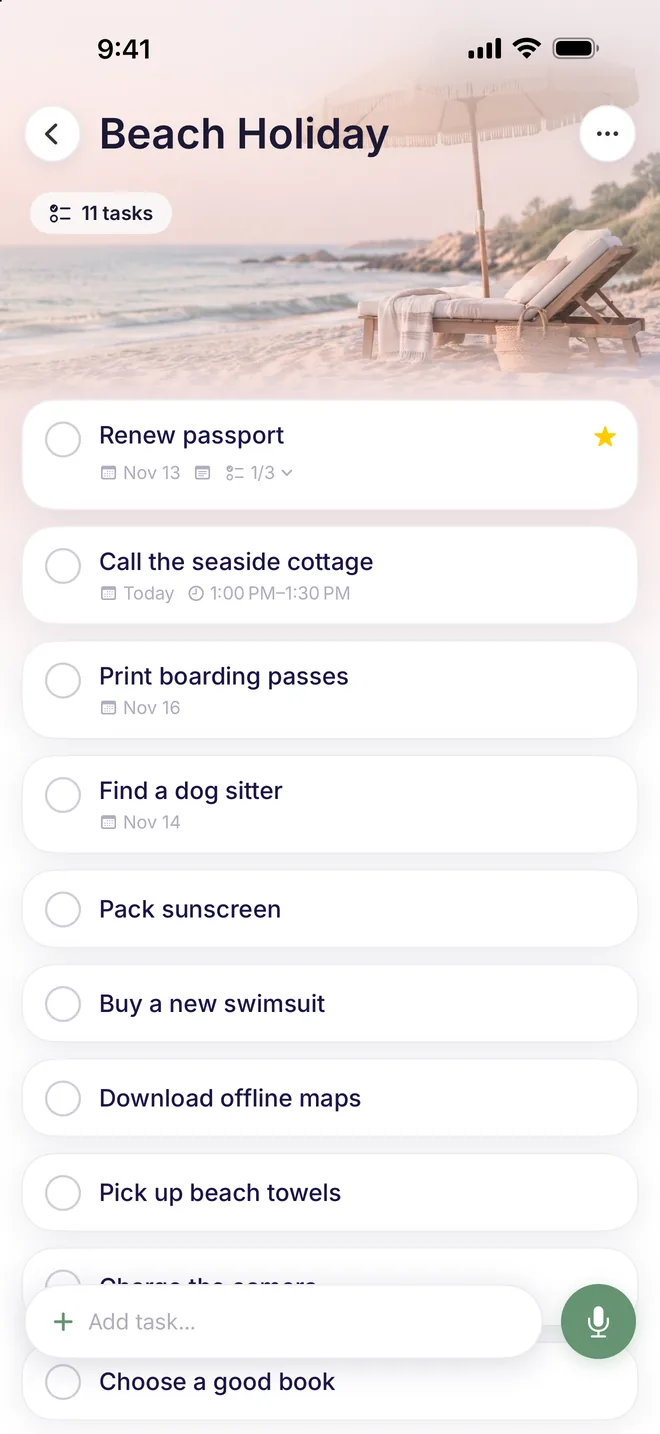
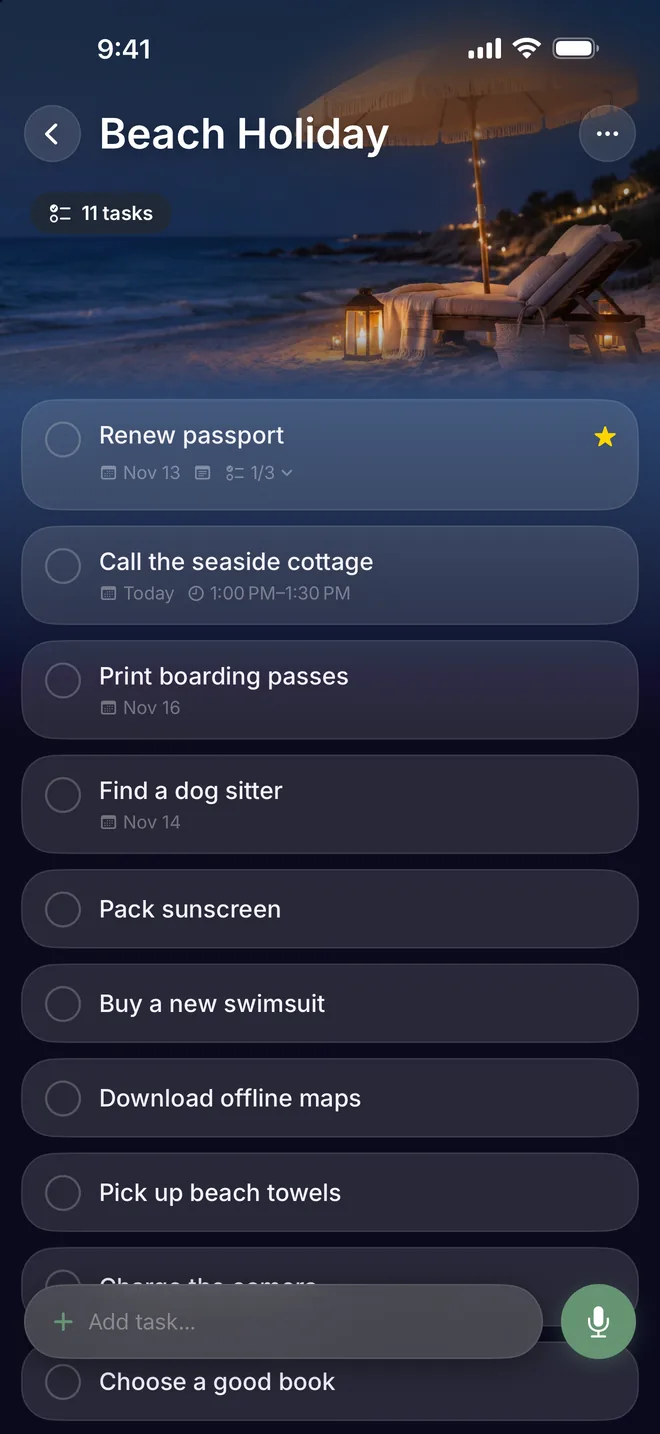
Everything in its place
Lists and folders for the long run. Smart lists, a calendar and gentle nudges for today.
Today, Overdue and Priority pull tasks from every list into one place. Add #tags and search to find the rest.
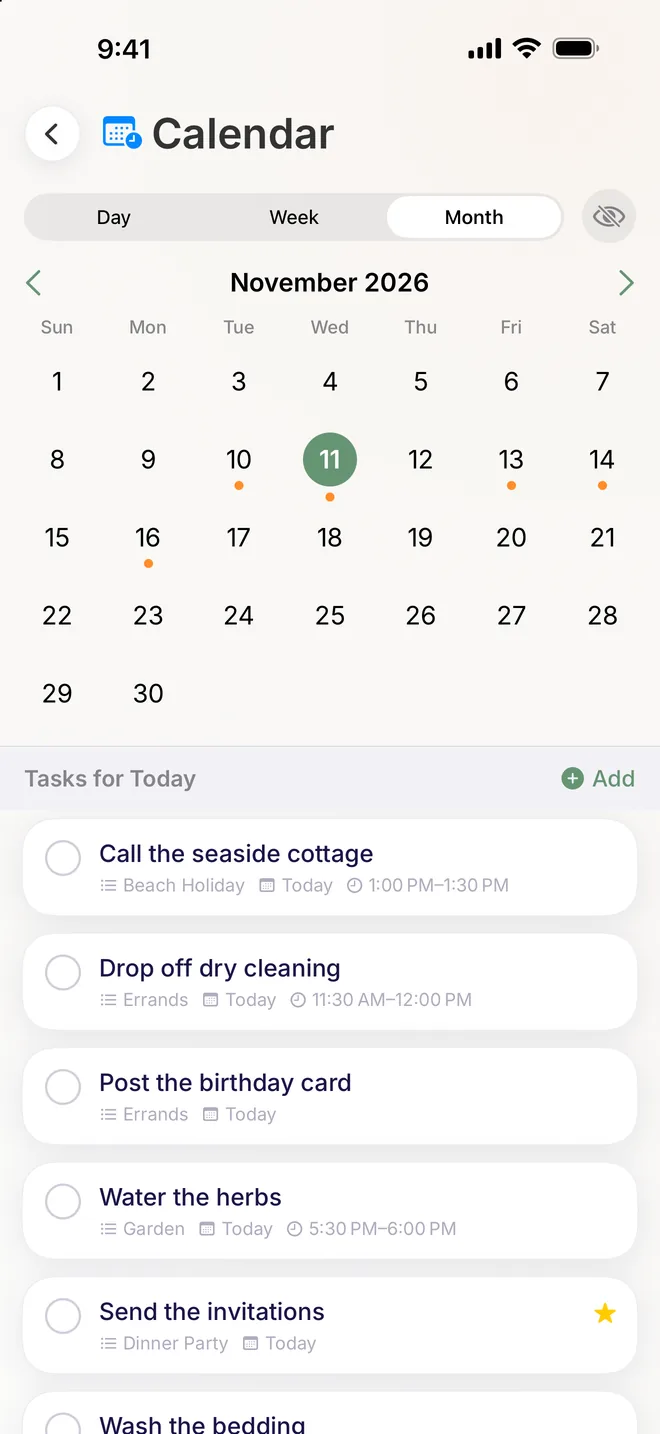
Day, week and month views are free. Premium adds two-way Google Calendar sync.
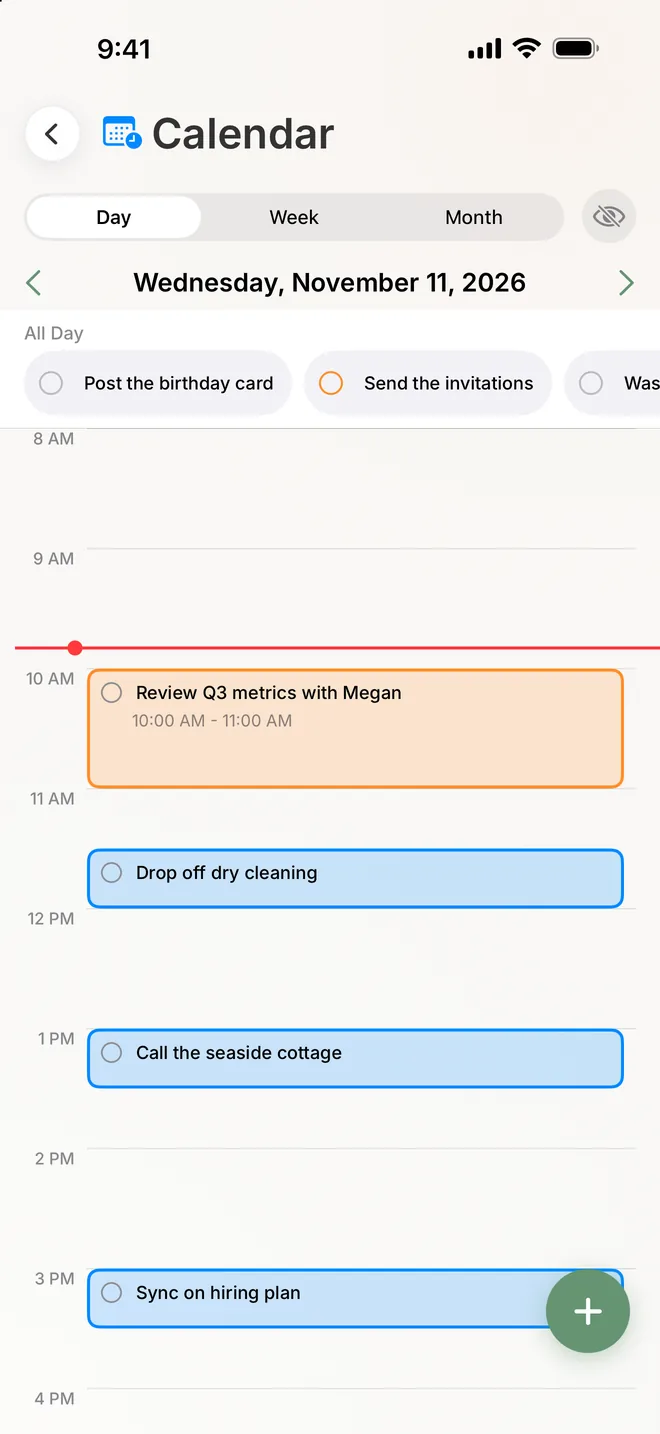
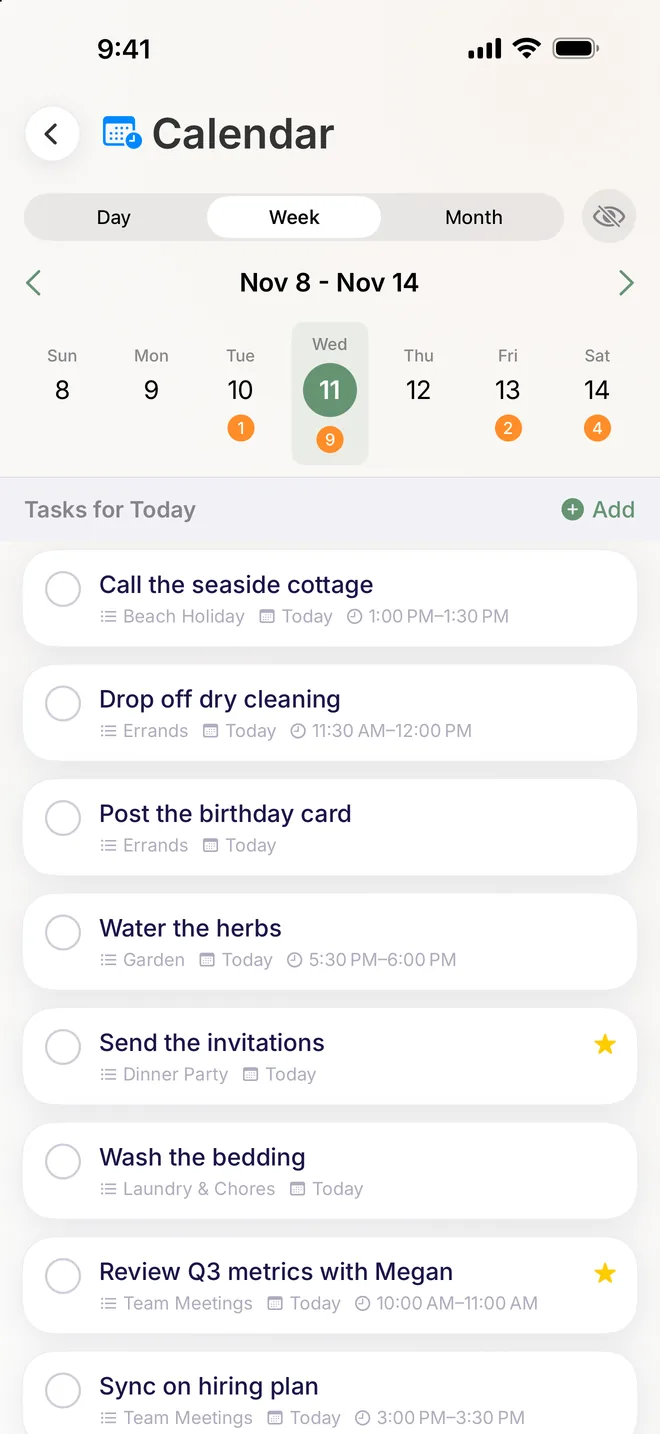
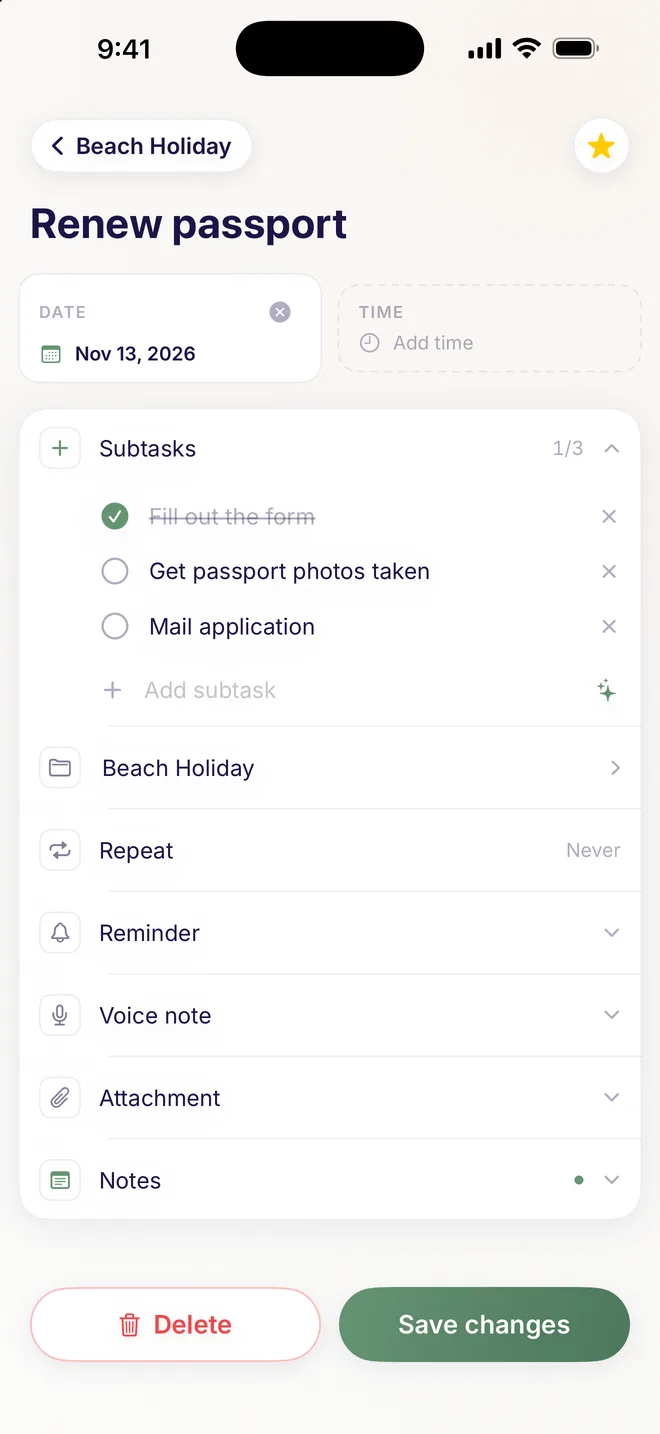
Subtasks, repeats, up to five reminders, notes, voice notes and attachments.
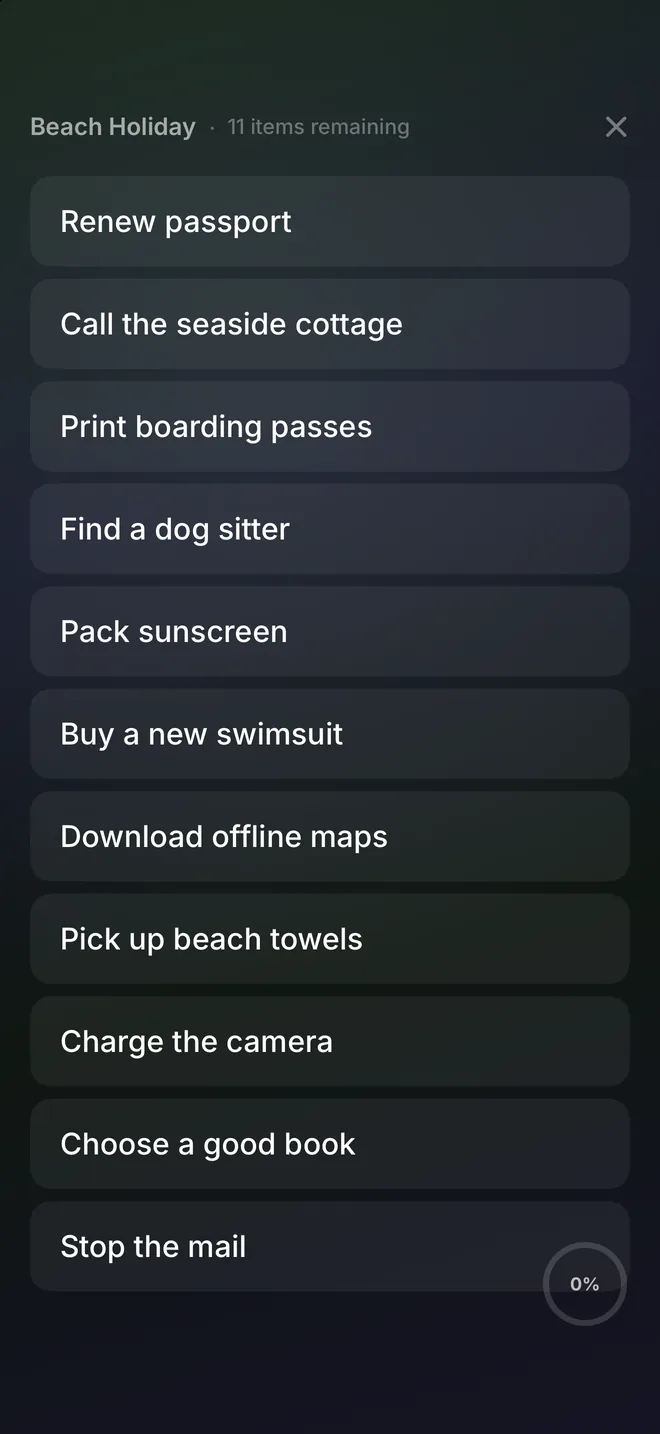
Focus Mode is a full-screen checklist. Swipe to cross things off and watch the ring fill.
iPhone
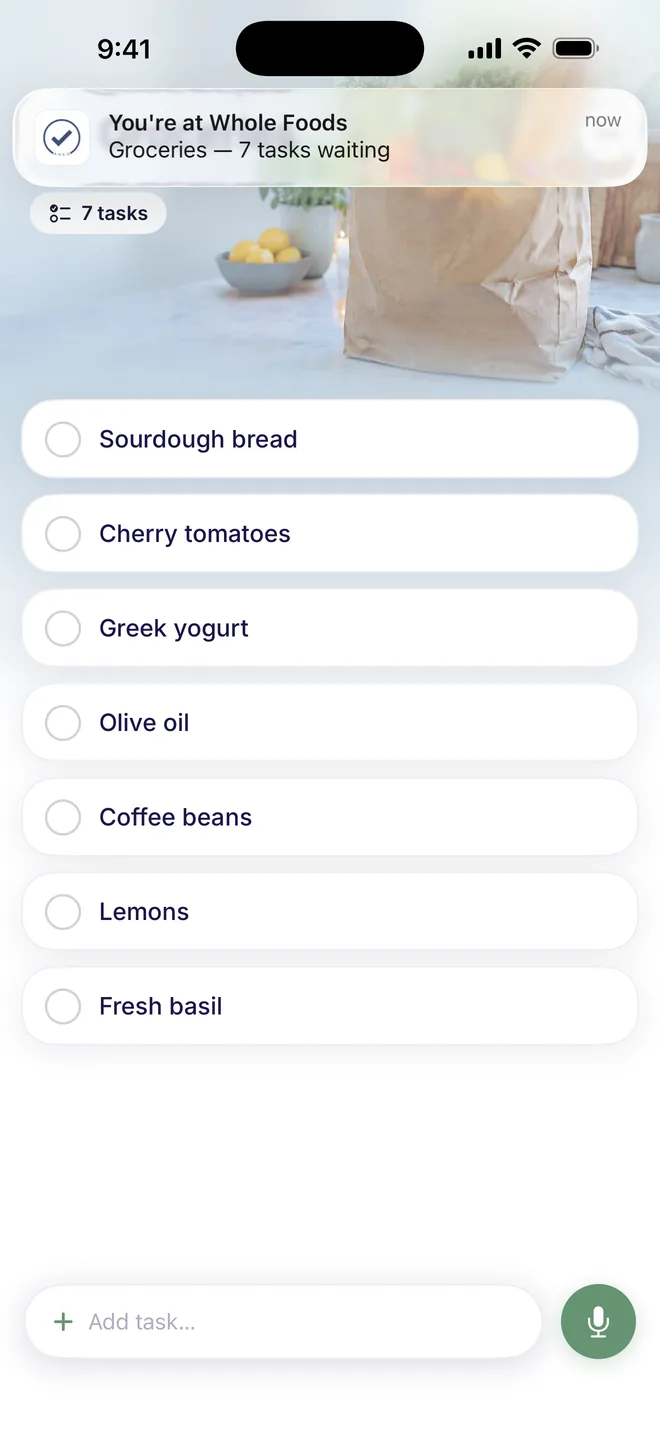
Attach a place to a list. When you arrive you get one nudge with what’s still on it, and only if something is.
iPhone & web
Share any list with a link. Choose who can edit and who can only view, and everyone stays in sync.
Theme colour
Nine soft themes. Pick one and every button and highlight follows. Go on, try it: this page changes too.
Now wearing Sage
Wherever you are
From the Lock Screen, by voice, from another app, or through the AI assistant you already use.
Premium
Connect Claude or ChatGPT and manage your lists from the conversation you’re already in. Shared lists, attachments and voice notes stay out of reach.
How connecting works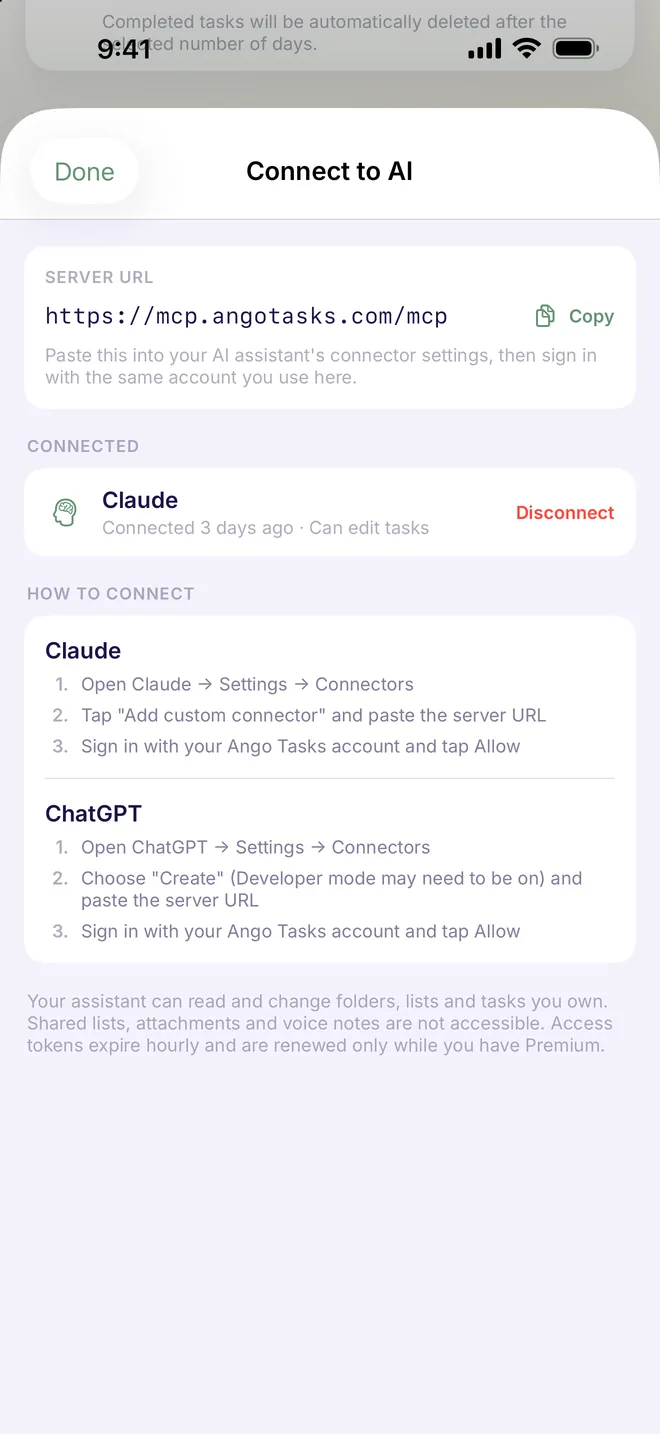
iPhone
iPhone, iPhone Duo & web
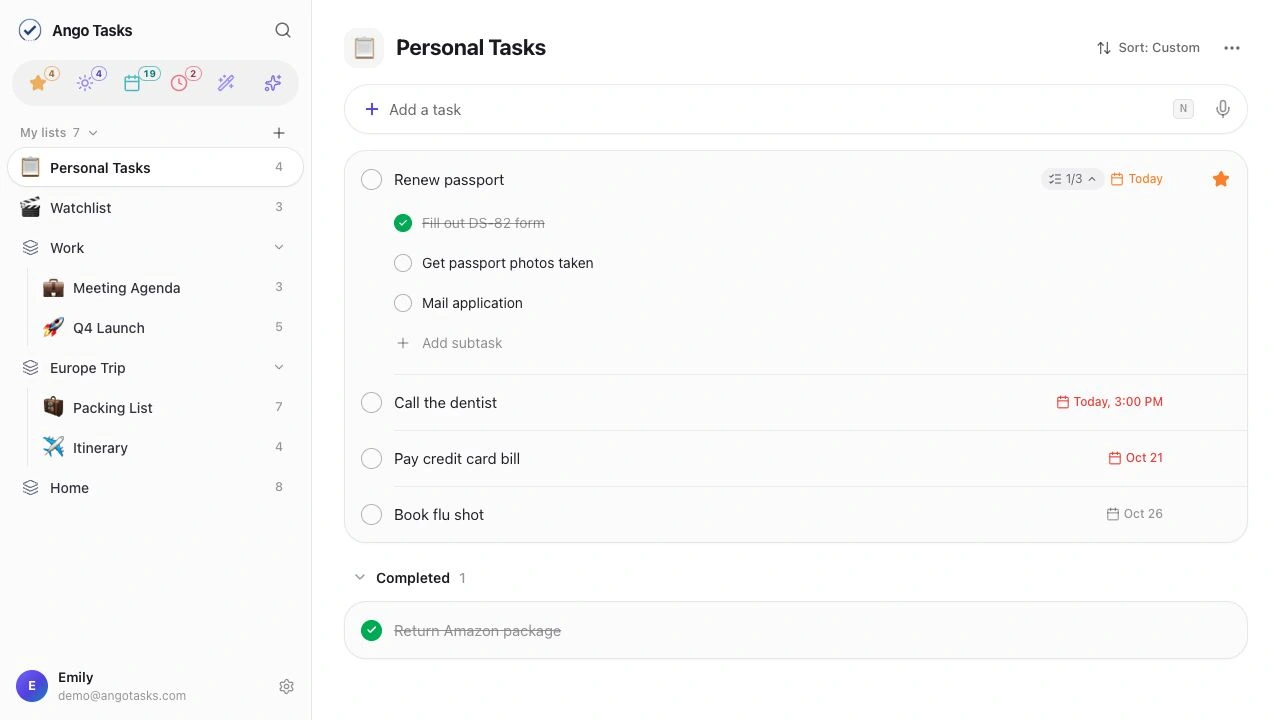
One account keeps your lists in sync between your phone and your browser.
Widgets, Siri, Focus Mode and place reminders.
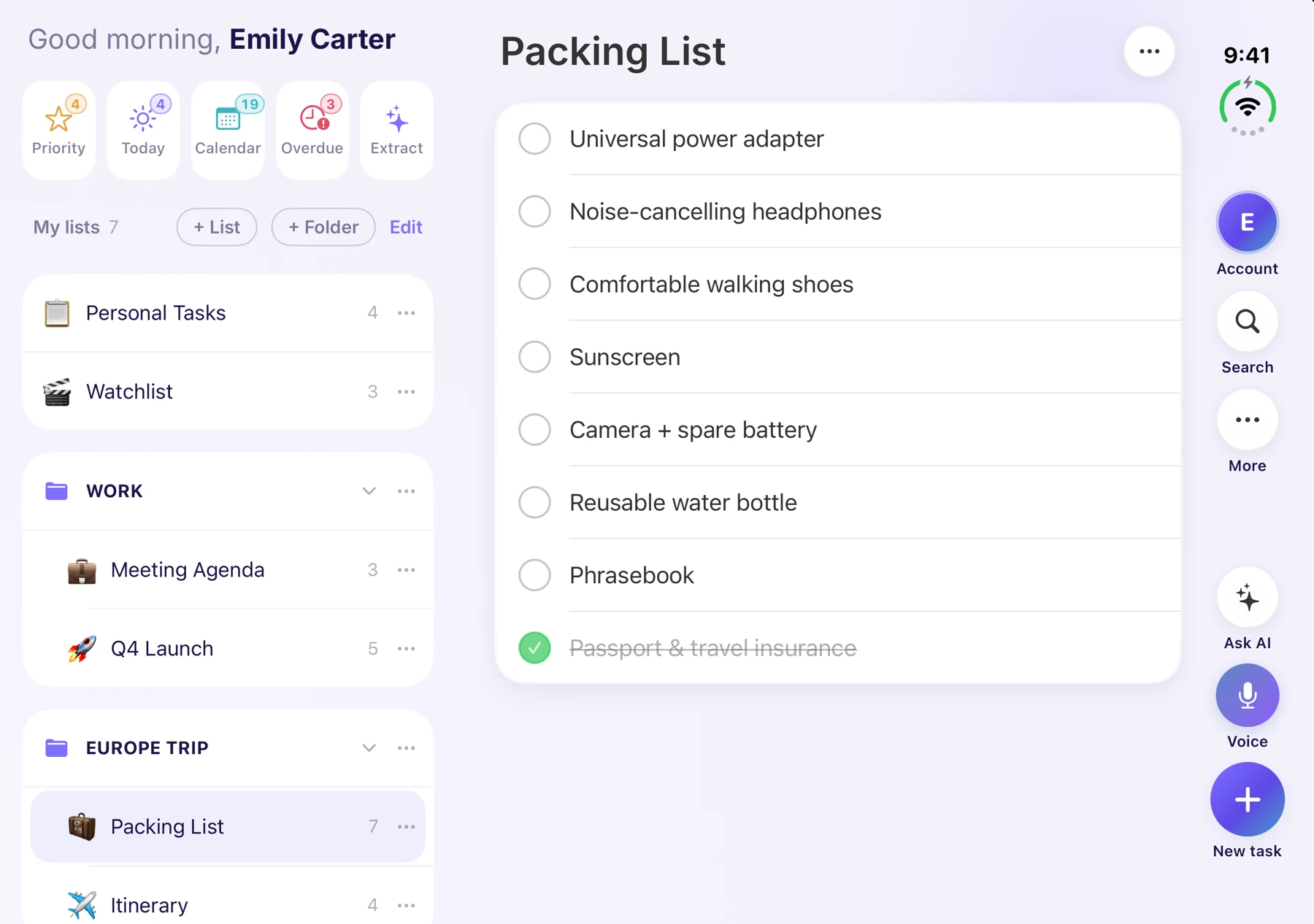
iPhone Duo appLists and tasks side by side on the open display.
Web appKeyboard shortcuts, search and a roomy calendar.
GuideA practical checklist, whichever app you pick.
Pricing
$0 forever
$39.99 a year, or $4.99 a month
Prices in USD. Local store pricing and taxes may vary.

Your tasks, beautifully organized. Free on iPhone and in your browser.
App screens are real screenshots with fictional demo content. Some features and layouts vary by platform and version.